Drop anything
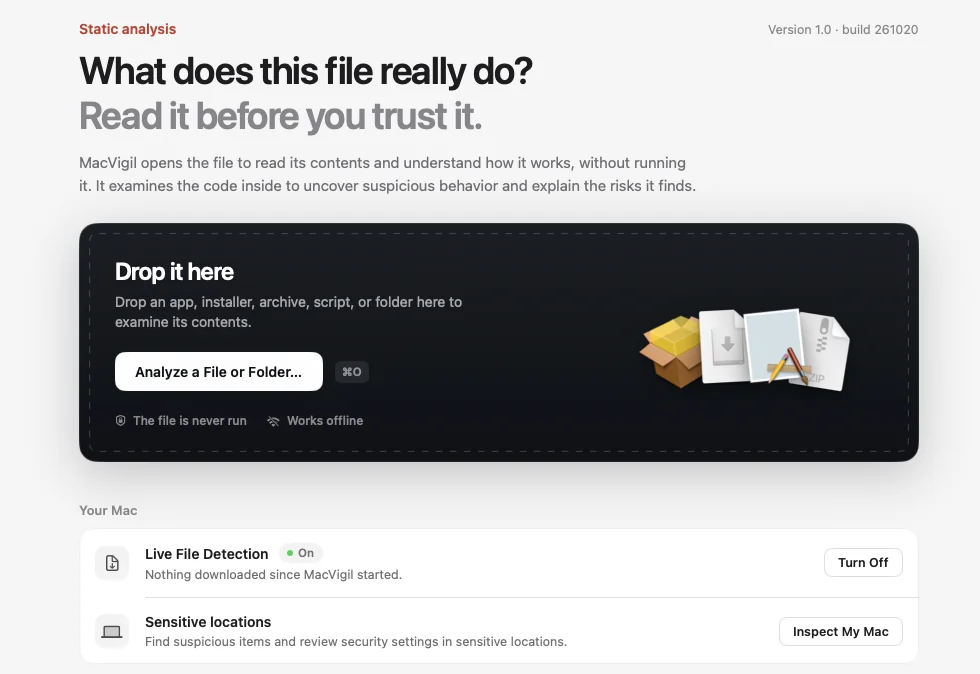
An app, an installer, an archive, a script or a folder.
Drop it on the window or on the Dock icon, or choose it from the app. Drop several items and they are analyzed together. From the Finder, Open With › MacVigil works on any file or folder; MacVigil never makes itself the default app.
- File › Scan Files or Folders… and Scan My Mac…
- A rail on the left: Home, Report, This Mac, Analyze, Update
- A whole disk is not taken as a folder: MacVigil offers Scan My Mac instead